A Quick Lesson on Shutter and Aperture Priority

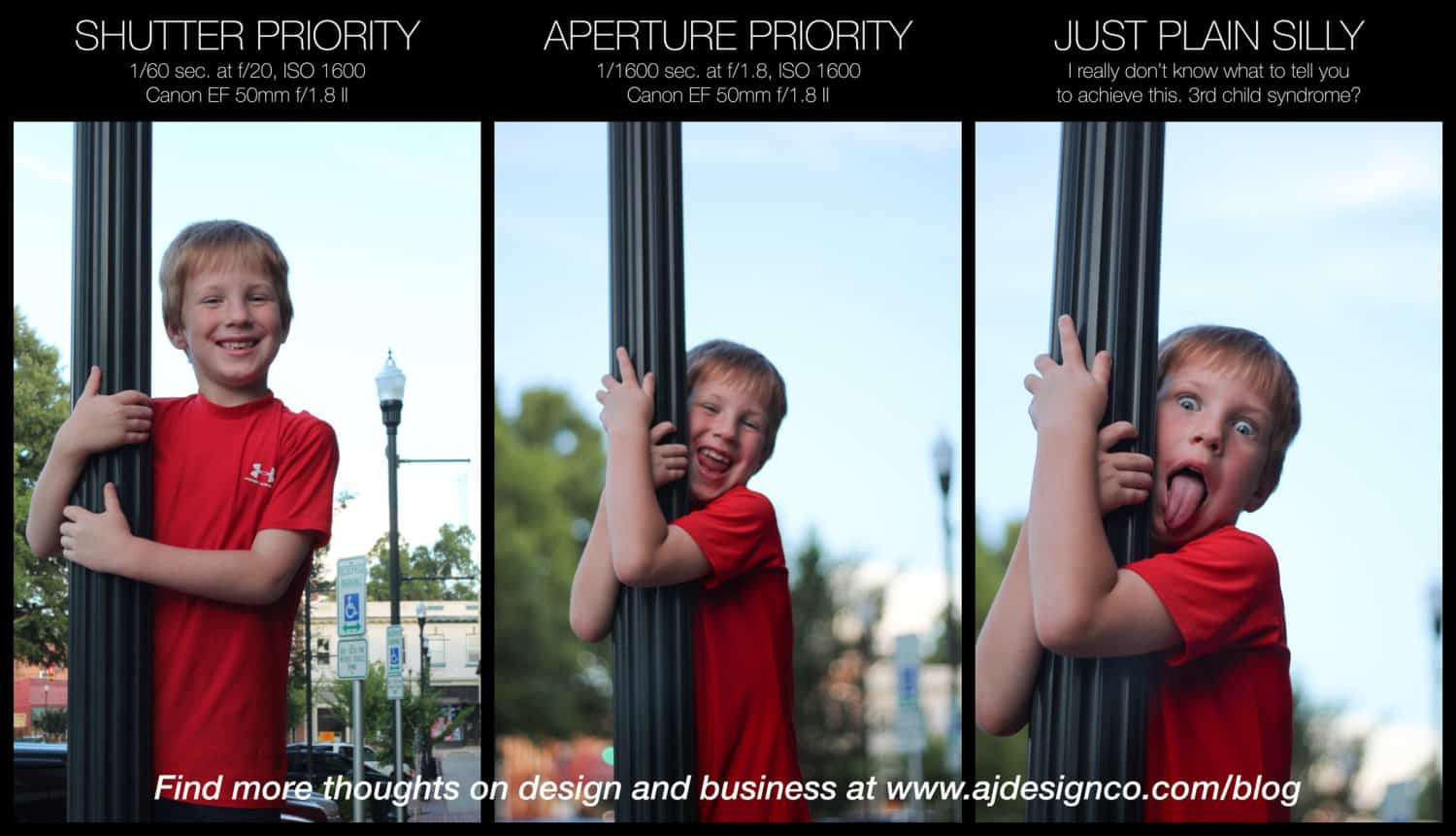
Since the advent of digital photography, I’ve become more or less addicted to photography. It’s a compulsive thing, but most of the time it’s fairly constructive. I’ve learned a lot over the last 10 years and 70,000+ photos (most of them are bad…). There are tons of helpful infographics and cheat sheets on the web. Here’s one from Lifehacker. But I had to share a quick series of images I caught tonight. It’s not as thorough as the other guides or cheat sheets, but it does illustrate some pretty marked differences at the extremes of shutter priority and aperture priority. Plus, my kid just made me laugh. Enjoy!

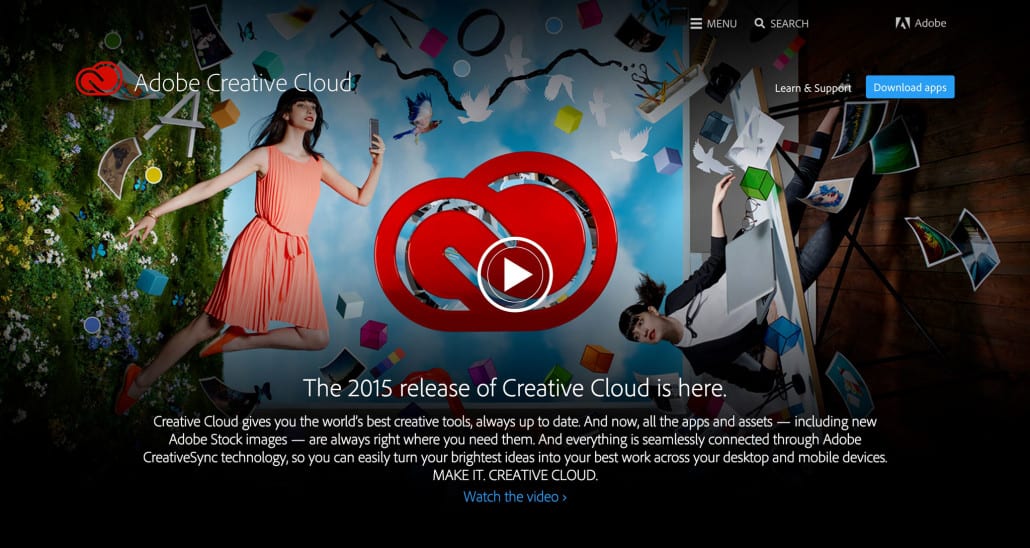
Adobe Creative Cloud 2015 Splash Screens

Looking for the December 1, 2015 Splash Screens?

I haven’t had time to post those yet. Got work to do and promises to keep.


Note: This is a follow-up to my post showing images of the new Adobe Creative Cloud splash screens back in 2014 when a major update was released.

New Adobe Apps, New Splash Screens

Adobe just released a major update to Creative Cloud, complete with new splash screens for many of the applications. Illustrator has some major performance enhancements for rendering. And there are tighter integrations with Adobe’s mobile apps. One notable addition is Adobe Stock, a built-in stock asset marketplace. Sadly for existing Creative Cloud subscribers, Adobe Stock is priced as a separate, add-on subscription that will add $30 to your monthly subscription this year. That’s a 40% savings, per Adobe. Who knows what the price will be next year? The pricing uncertainty is probably the only downside to Adobe Creative Cloud. But Adobe has stepped up their game and delivered a fantastic experience for creative professionals, despite the occasional pricing discomfort or uncertainty. In my opinion, the value is a good match for the price. Get the latest Creative Cloud pricing here.

Now, without further adieu, here are the 2015 splash screens. Click to view the full resolution image, then use your arrow key to advance.

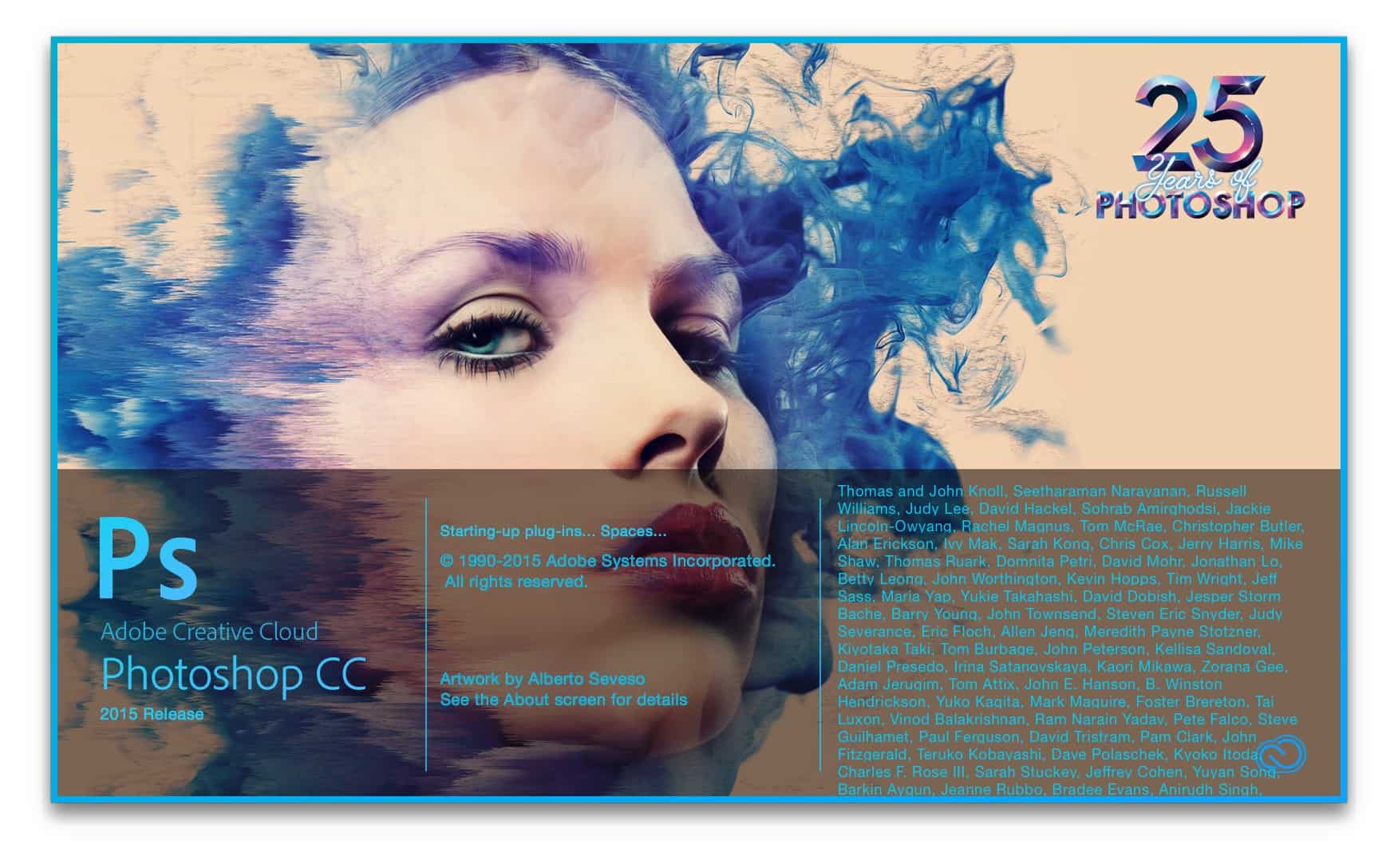
Photoshop CC 2015 Release Splash Screen

Photoshop CC 2015 Release Splash Screen

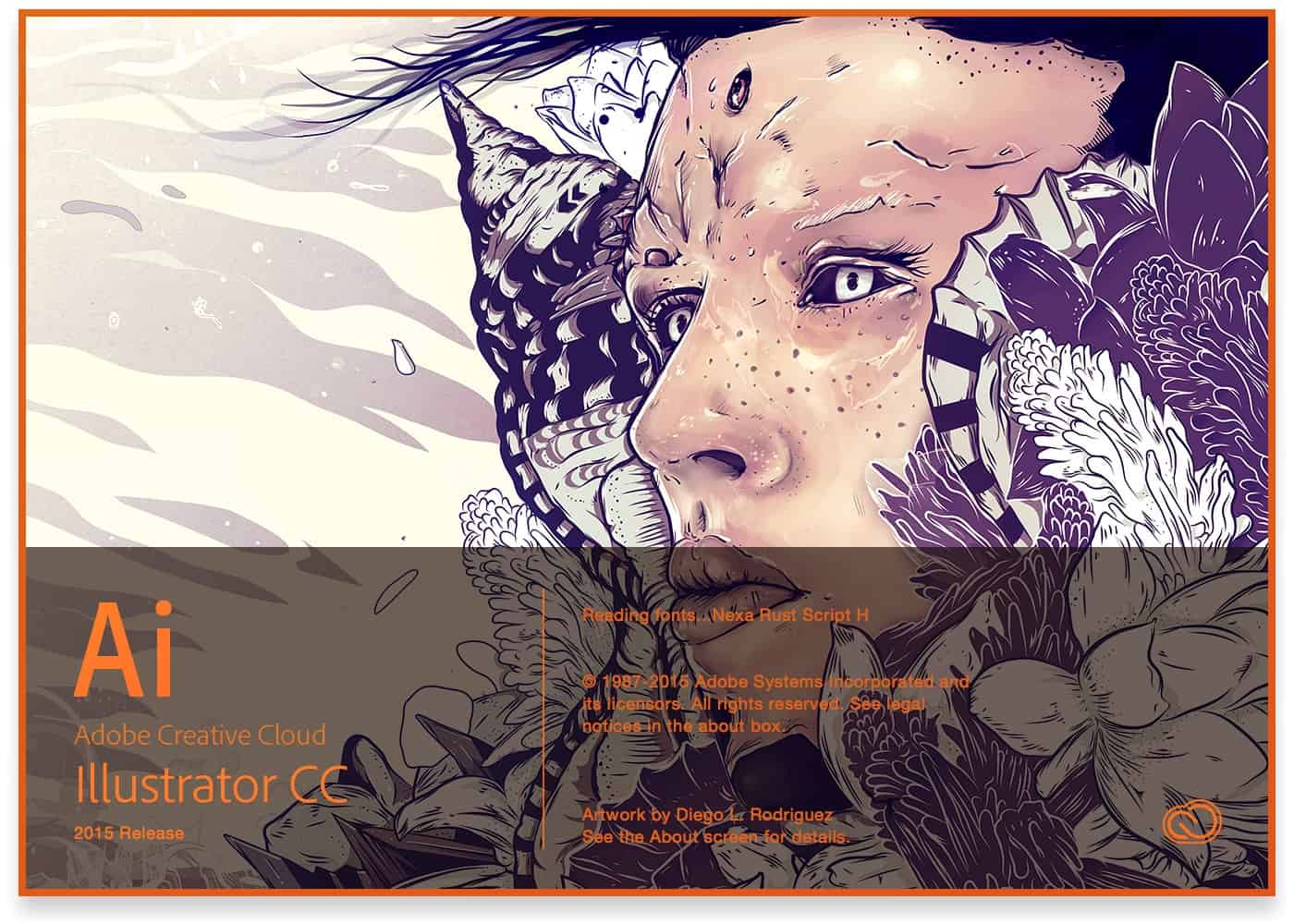
Adobe Illustrator CC 2015 Release Splash Screen

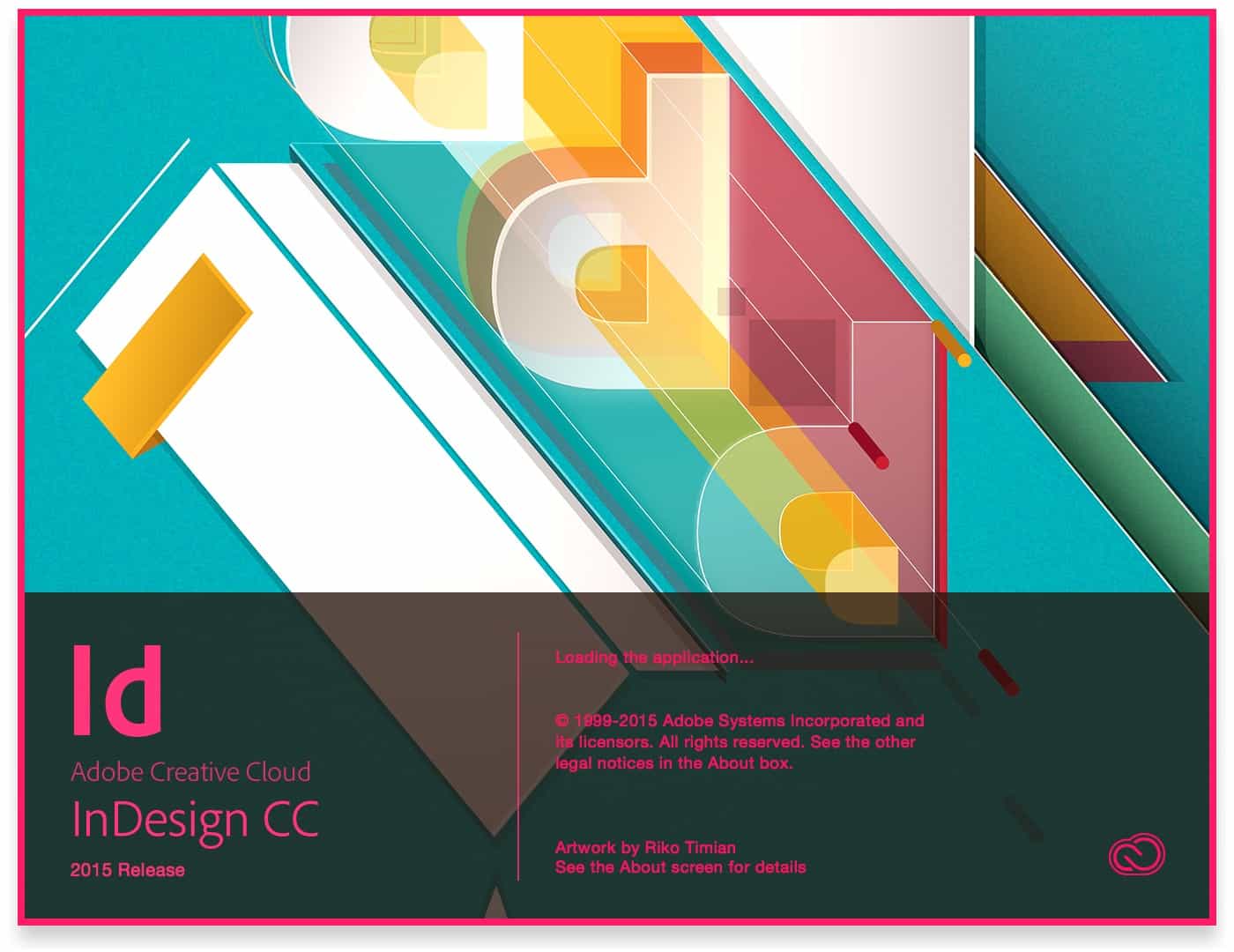
Adobe Illustrator CC 2015 Release Splash ScreenAdobe InDesign CC 2015 Release Splash Screen

Adobe InDesign CC 2015 Release Splash Screen

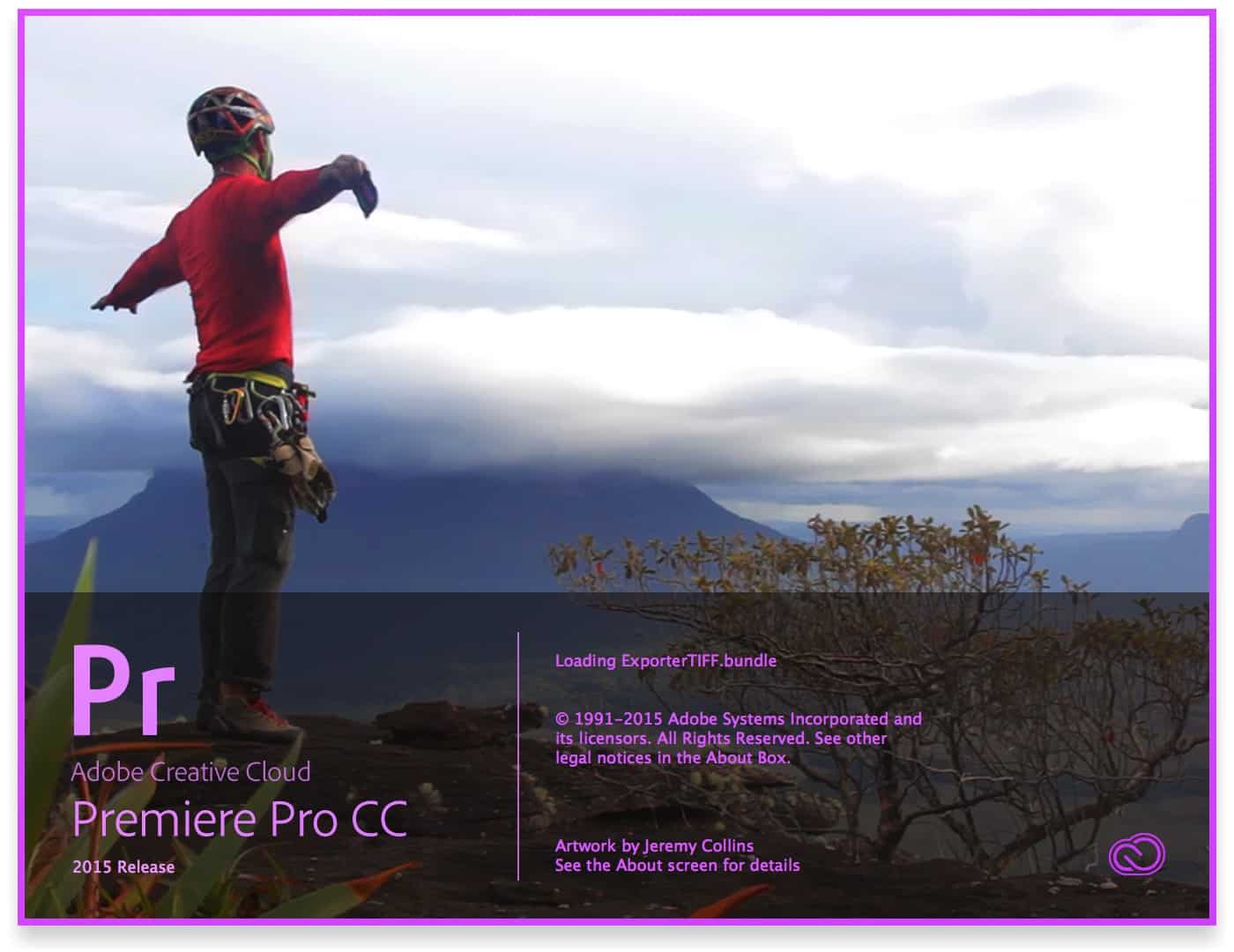
Adobe Premiere Pro CC 2015 Release Splash Screen

Adobe Premiere Pro CC 2015 Release Splash Screen

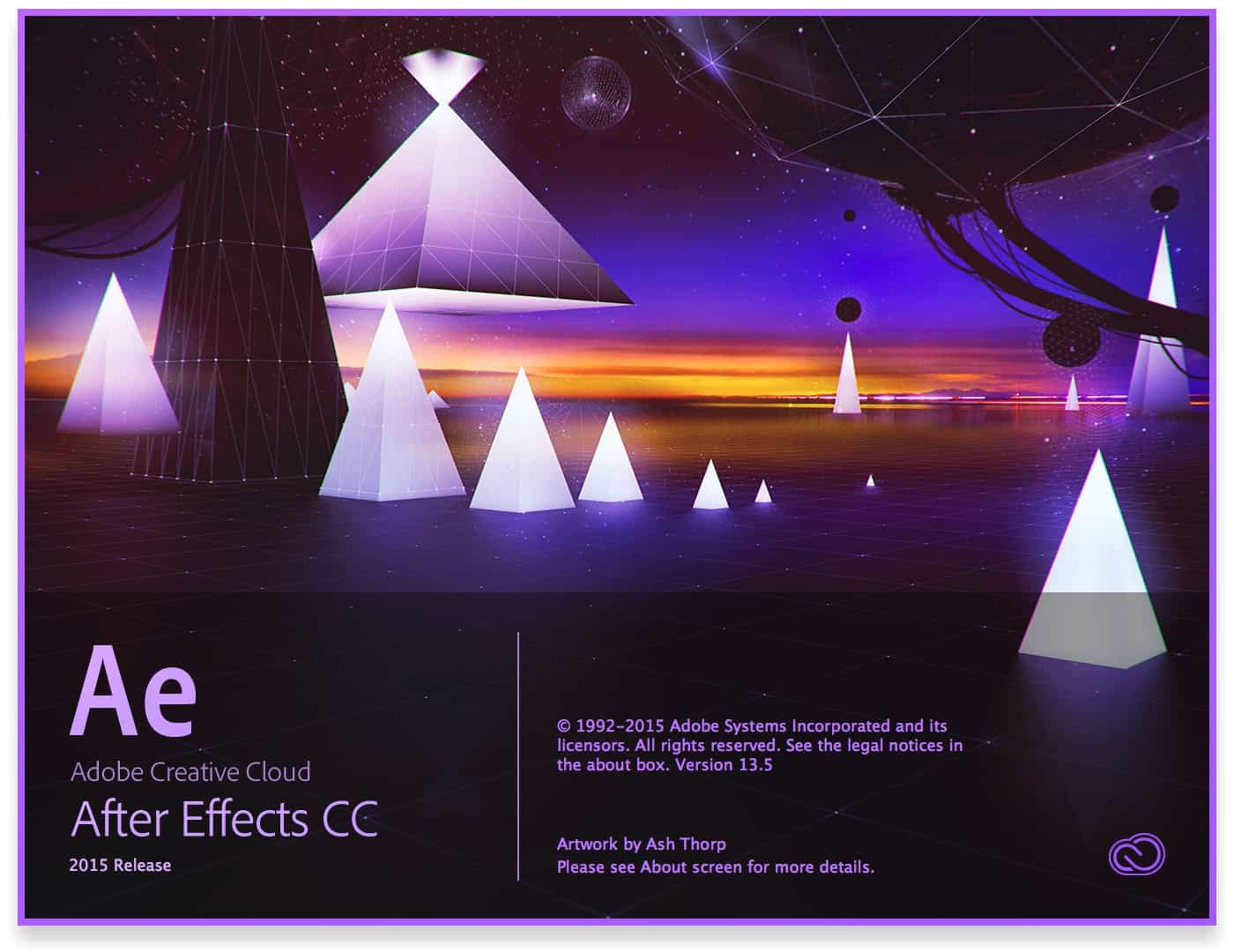
Adobe After Effects CC 2015 Release Splash Screen

Adobe After Effects CC 2015 Release Splash Screen

Adobe Dreamweaver CC 2015 Release Splash Screen

Adobe Dreamweaver CC 2015 Release Splash Screen

Adobe Muse CC 2015 Release Splash Screen

Adobe Muse CC 2015 Release Splash Screen

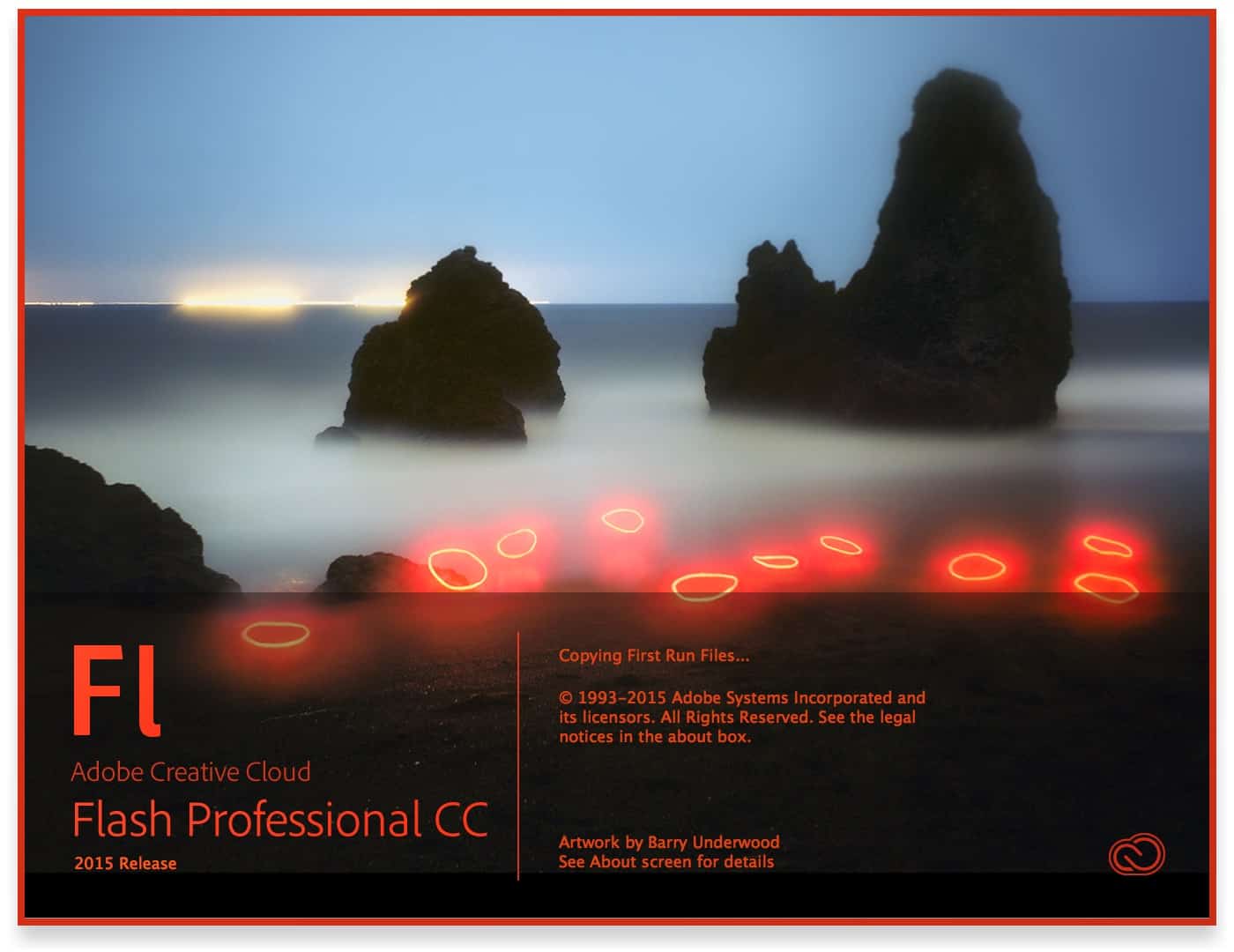
Adobe Flash Professional CC 2015 Release Splash Screen

Adobe Flash Professional CC 2015 Release Splash Screen

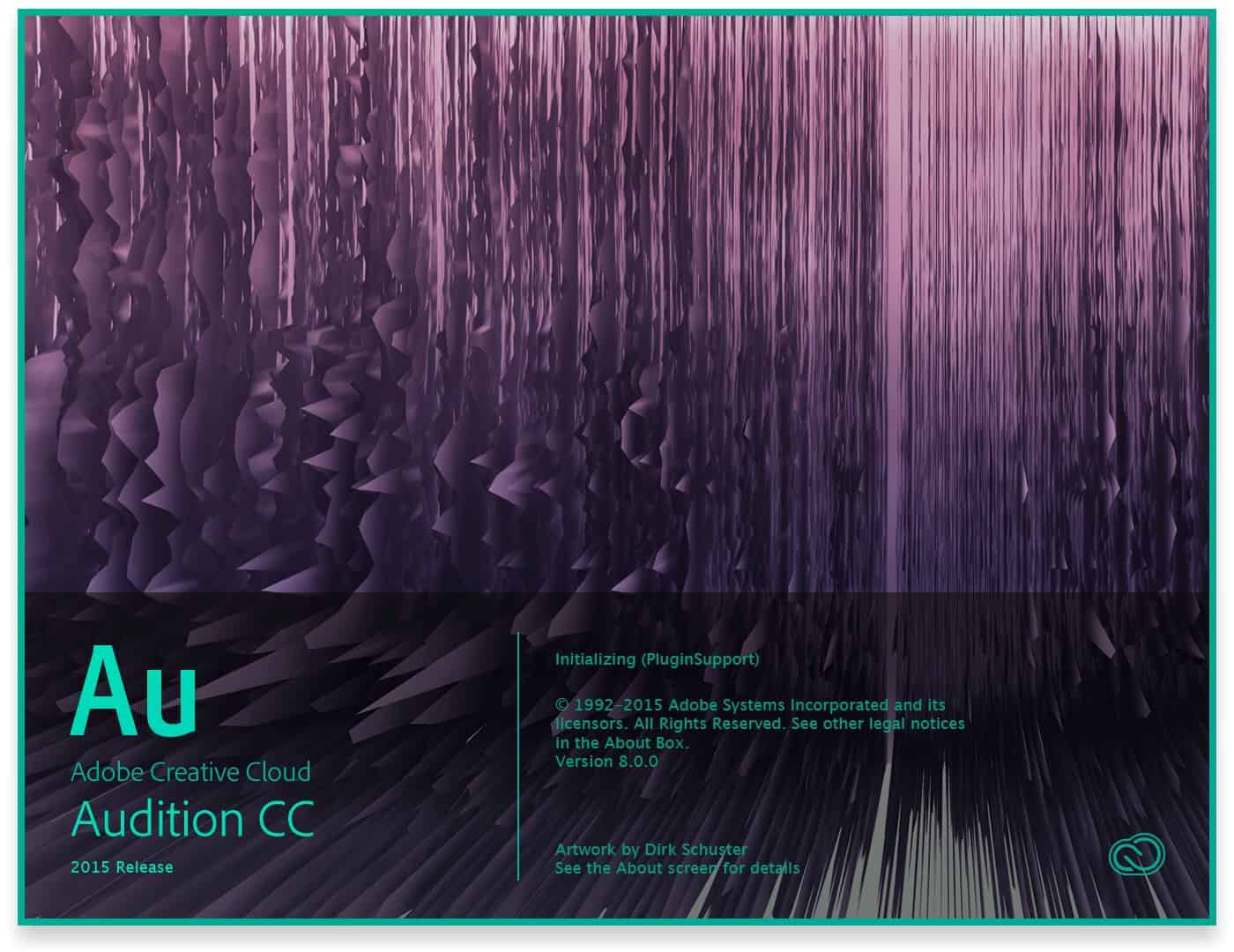
Adobe Audition CC 2015 Release Splash Screen

Adobe Audition CC 2015 Release Splash Screen

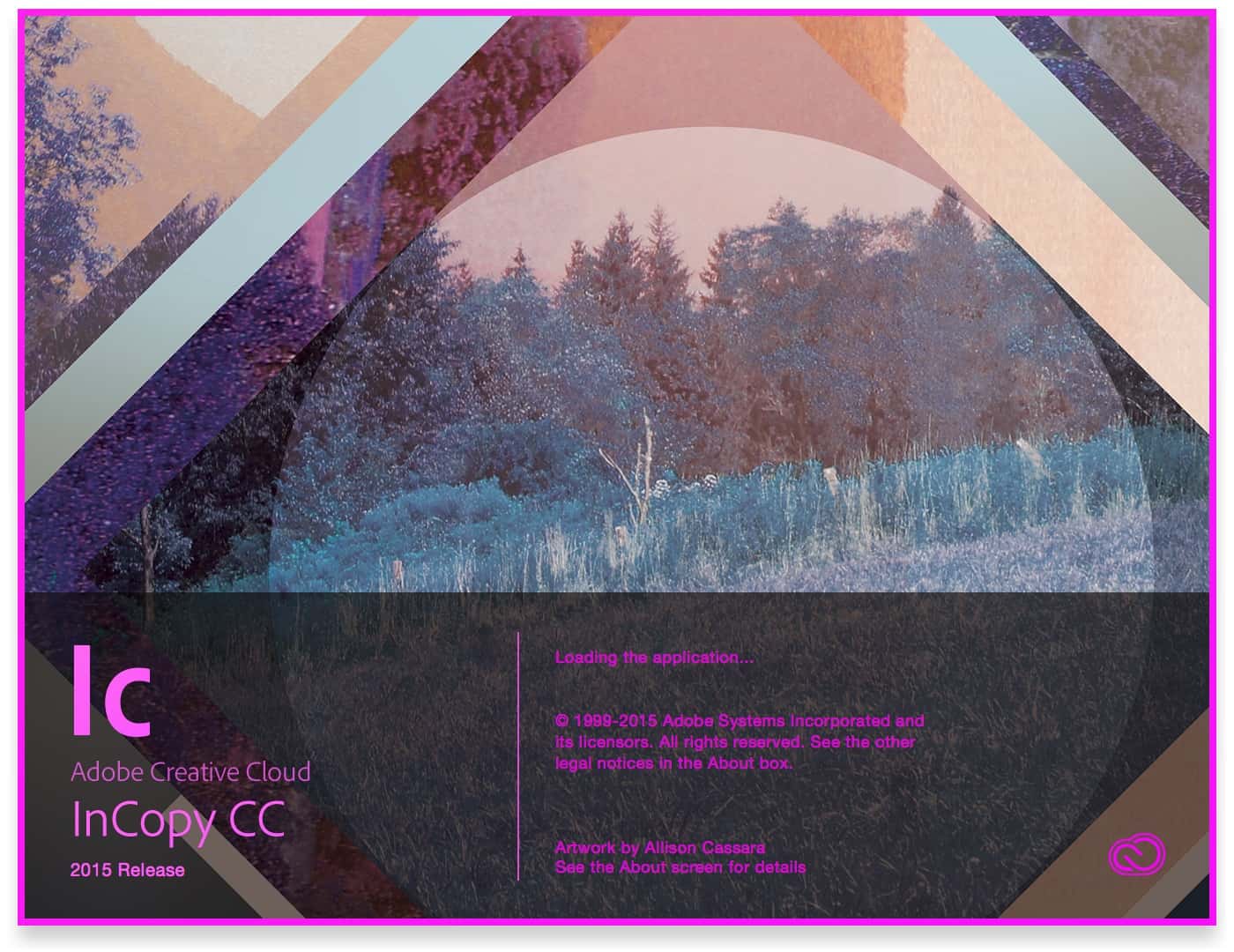
Adobe InCopy CC 2015 Release Splash Screen

Adobe InCopy CC 2015 Release Splash Screen

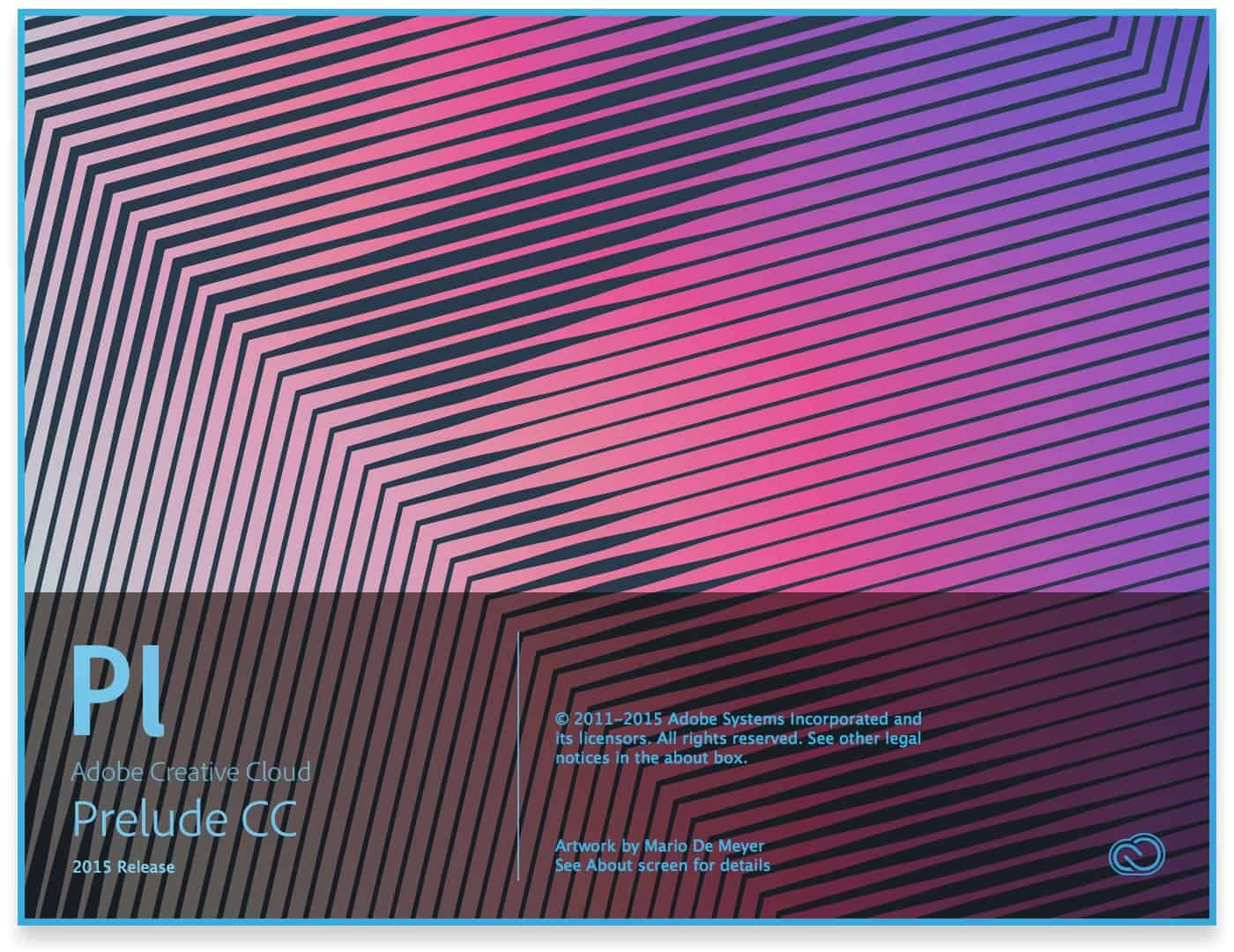
Adobe Prelude CC 2015 Release Splash Screen

Adobe Prelude CC 2015 Release Splash Screen

Adobe SpeedGrade CC 2015 Release Splash Screen

Adobe SpeedGrade CC 2015 Release Splash Screen

Look at your phone. Creative Cloud is there too.

The iPhone apps were sadly neglected by my 2014 splash screen post. How rude?! I can’t make up for that, but I’ll make sure to show off a few of Adobe’s mobile splash/launch screens going forward. Want to see the rest of the story? Check out Adobe’s full lineup of iPhone and iPad apps.

Adobe Brush CC Splash Screen

Adobe Brush CC Splash Screen

Adobe Shape CC Splash Screen

Adobe Shape CC Splash Screen

Adobe Color CC Splash Screen

Adobe Color CC Splash Screen

Adobe Hue CC Splash Screen

Adobe Hue CC Splash Screen

Adobe Illustrator Draw CC Splash Screen

Adobe Illustrator Draw CC Splash Screen


Adobe Preview CC Splash Screen

Adobe Preview CC Splash Screen

Adobe Lightroom for Mobile Splash Screen

Adobe Lightroom for Mobile Splash Screen

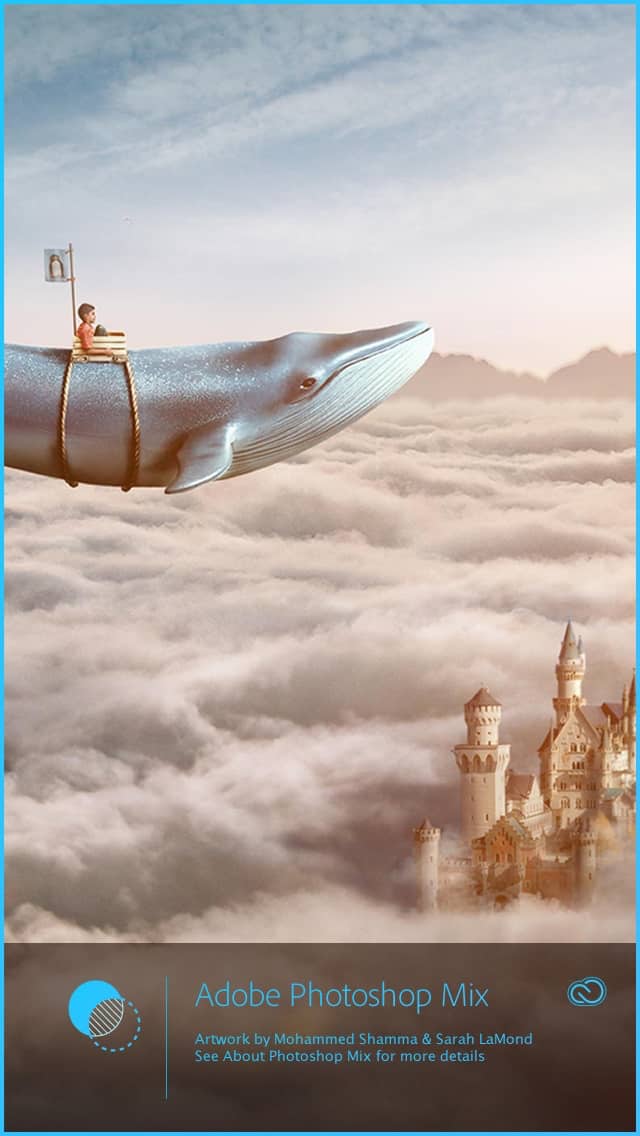
Adobe Photoshop Mix Splash Screen

Adobe Photoship Mix Splash Screen

Adobe Edge Inspect CC Mobile Splash Screen

Adobe Edge Inspect CC Splash Screen

Adobe Creative Cloud Mobile Splash Screen

Adobe Creative Cloud Mobile Splash Screen

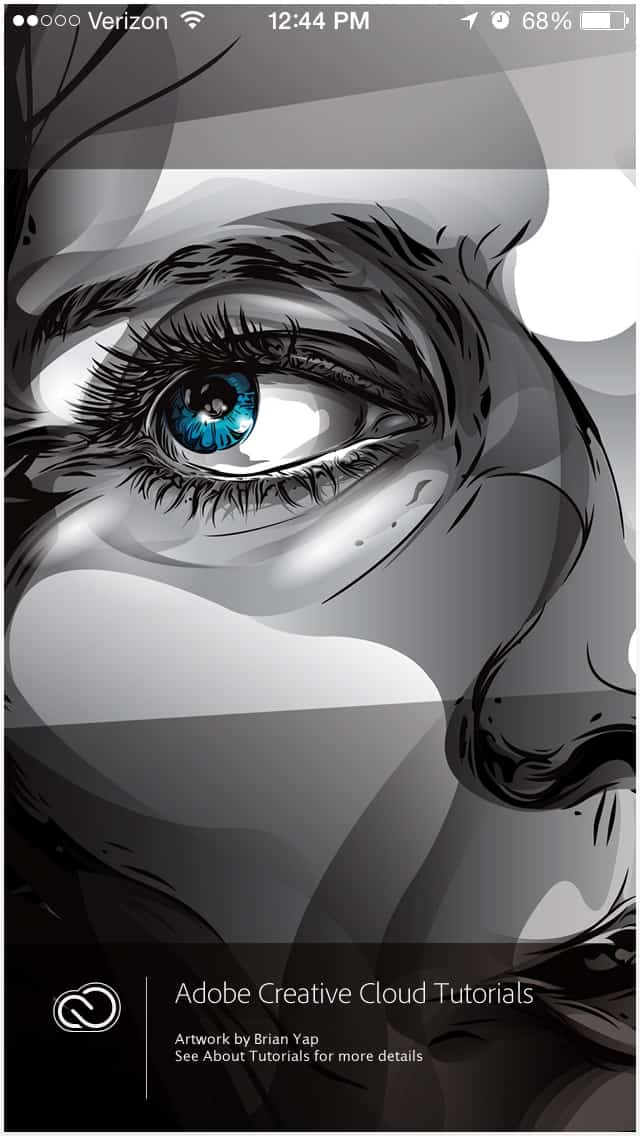
Adobe Creative Cloud Tutorials Splash Screen

Adobe Creative Cloud Tutorials Splash Screen

Here are the Nerdy Details

The desktop screenshots were taken on a 15-inch MacBook Pro with Retina display. I used the built-in feature to take a partial screenshot (Cmd + Shift + 4 then hold the space bar over the desired window). The resulting images are unedited.

The mobile screenshots were taken with an iPhone 5s.

Thanks for reading! Love them? Can’t stand them? Comment below!

Update All: Adobe Releases Major Update to Creative Cloud for 2015

Adobe just released a major update of Creative Cloud. I’m updating now, and I hope there are great things to blog about later. Looking forward to it!

creative-cloud-2015

Underpromise and Overdeliver: Scaramanga Has Earned My Respect Before I’ve Even Touched Their Product

We here at AJ Design strive to be top-shelf, but as little more than a one-person design firm, I’m no stranger to running a shoestring budget and a just-in-time delivery operation. I’m 100% mobile. My 15″ MacBook Pro is my only workstation. My Targus laptop bag served me well practically every day for the past four years or so. It was actually my laptop bag before I upgraded to the MacBook in August 2012.

I was disappointed when the shoulder strap anchor point broke this week, but it was understandable. Four years of stress and daily use takes its toll. Ouch…that kinds hits close to home!

So I did some homework and asked some friends what they recommend in the way of a quality laptop bag/briefcase. A fantastic U.S. product was available, but as much as I wanted to buy quality, I couldn’t bring myself to pay nearly $500 for a bag. I looked for a lower price point.

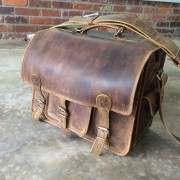
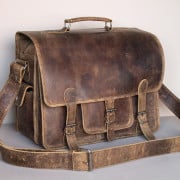
scaramanga-logoI had heard of Scaramanga a year or two ago on social media. I shopped them and ended up selecting a Medium Overlander Satchel. I read their shipping information for international orders, and I prepared to wait a couple of weeks.

The order was placed Tuesday, June 2. Guess what’s arriving today, June 5?

They promised 5 – 20 days for delivery, and they, well, delivered in only four days. These days, the only response that is appropriate is a #micdrop:

I will post a review of the bag once I get a chance to move in. But for now, I’m heartily impressed.